

Victron Cerbo GX MK3
Faster 64-bit successor to the Cerbo GX MK2 for monitoring and controlling Victron systems on board or remotely.
SKU VIC-BPP900450130
Victron Cerbo GX MK3 is the communication centre for a Victron power system, now with a faster 64-bit processor and support for up to 25 VE.Direct devices.
- Series
- GX
- Product type
- GX System Controller
- Supply voltage
- 8–70 V DC
- Processor
- Quad-core 64-bit, 1.4 GHz
- Memory
- 1 GB DDR4
- Max VE.Direct devices
- 25
- Connectivity
- Wi-Fi, Bluetooth, Ethernet
- IP rating
- IP20
Stocked items typically ship the next business day from our US warehouse. 30-day returns on unused stocked items. Exclusions apply. Return policy · Shipping policy
Shopping as a guest. Sign in to save your cart and check out as a dealer.
About this product
Victron Cerbo GX MK3 is the communication centre for a Victron power system, letting you monitor and control batteries, inverter/chargers, solar chargers and more on board or remotely through the VRM portal.
The MK3 keeps the same connections, size and mounting as the Cerbo GX MK2, but moves to a 64-bit quad-core 1.4 GHz processor with 1 GB of DDR4 memory and supports up to 25 VE.Direct devices (MK2: 15). The extra headroom helps on larger systems and when running Node-RED or Signal K.
Key features
- 3x VE.Direct, VE.Bus (2 paralleled RJ45) and 2x VE.Can (one isolated, one configurable as BMS-Can)
- Built-in WiFi with access point, Bluetooth for setup, and 10/100 Ethernet
- 4 digital inputs, 4 resistive tank-level inputs and 4 temperature inputs
- 2 programmable relays for alarms, generator start/stop and more
- Works with the optional GX Touch 50 or GX Touch 70 display and marine MFD integration
- 8-70 V DC supply; wall mount or 35 mm DIN rail (DIN35 adapter sold separately)
The GX Touch display and the VE.Direct and RJ45 cables for connected devices are sold separately. Connected VE.Bus products need firmware 111 or later.
Communication ports
- VE.Direct
- 3 ports, isolated
- VE.Bus
- 2 paralleled RJ45 sockets, isolated
- VE.Can
- 2 ports: port 1 isolated, port 2 non-isolated (configurable as BMS-Can)
- USB
- 3 host ports (the port nearest the HDMI connector powers a GX Touch)
- Ethernet
- 10/100 RJ45, isolated except shield
- Wi-Fi
- 2.4 GHz 802.11 b/g/n, with access point
- Bluetooth
- Bluetooth Smart, for setup
- HDMI
- 1
- MicroSD
- Up to 32 GB
Inputs & outputs
- Digital inputs
- 4 (with pulse counting)
- Resistive tank-level inputs
- 4
- Temperature sense inputs
- 4
- Relays
- 2 programmable NO/NC: 6 A up to 30 V DC, 1 A up to 70 V DC, 6 A at 125 V AC
Processing
- Processor
- Quad-core 64-bit, 1.4 GHz
- Memory
- 1 GB DDR4
- Max VE.Direct devices
- 25
Power & physical
- Supply voltage
- 8–70 V DC
- Supplied fuse
- 3.15 A slow-blow, inline in power cable
- Dimensions (h × w × d)
- 78 × 154 × 48 mm (3.07 × 6.06 × 1.89 in)
- Mounting
- Wall, or 35 mm DIN rail with DIN35 adapter (sold separately)
- Operating temperature
- -20 to +50 °C
- IP rating
- IP20
Standards
- Safety
- IEC 62368-1
- EMC
- EN 301489-1, EN 301489-17
- Automotive
- ECE R10-6
Product details
- Series
- GX
- Product type
- GX System Controller
- Connectivity
- Wi-Fi, Bluetooth, Ethernet
- Function
- GX System Controller
- Communication
- VE.Direct / VE.Bus / VE.Can / Ethernet / Wi-Fi / Bluetooth
- Accessory Type
- GX Devices
- Dimensions
- 3.07 × 6.06 × 1.89 in
Compatibility & fitment
Works with
- GX Touch 50 and GX Touch 70 displaysSurface and flush-mount versions; sold separately
- VE.Bus Multis, Quattros and invertersFirmware 111 or later
- VE.Direct products (SmartSolar MPPT, BMV, SmartShunt, Phoenix inverters)Up to 25 devices; VE.Direct cables sold separately
Do not use with
- VE.Bus products with an 18xxxxxx microprocessorNot supported by GX devices
What’s included
- 1×Cerbo GX MK3
- 1×Power cable with 3.15 A inline fuse and M8 ring terminals
- 2×VE.Can terminators
- 1 set×Terminal blocks (3x 4-pin, 2x 3-pin, 1x 2-pin)
Recommended products
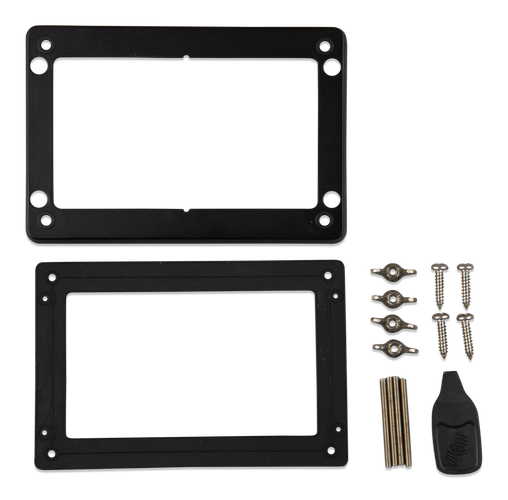 Victron Energy
Victron GX Touch 50 Surface Mount Display
Victron GX Touch 50 Surface Mount Display expands monitoring, control and communications within a Victron GX system.
SKU VIC-BPP900455050
$220.15MSRP $259.00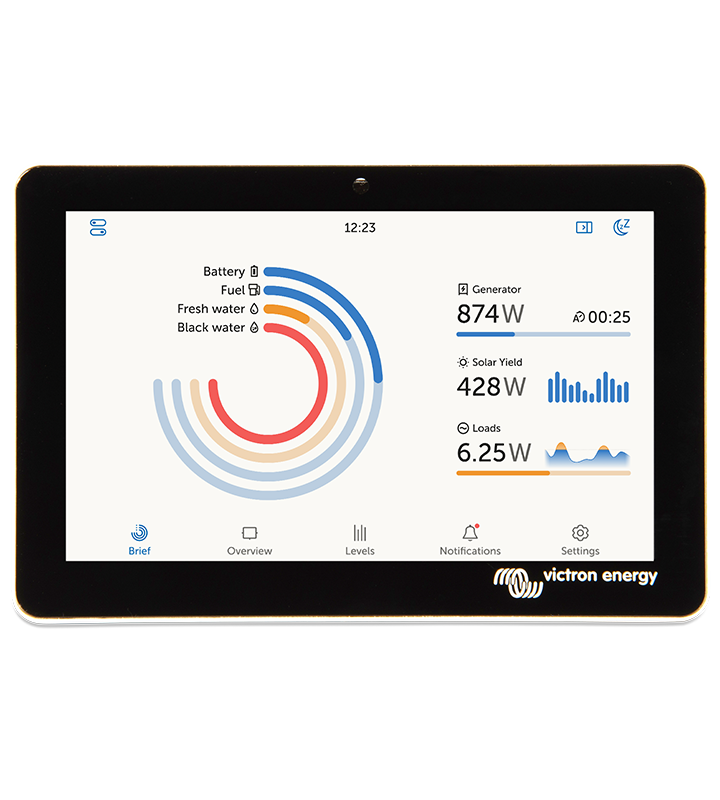 Victron Energy
Victron GX Touch 70 Surface Mount Display
Victron GX Touch 70 Surface Mount Display expands monitoring, control and communications within a Victron GX system.
SKU VIC-BPP900455070
$323.85MSRP $381.00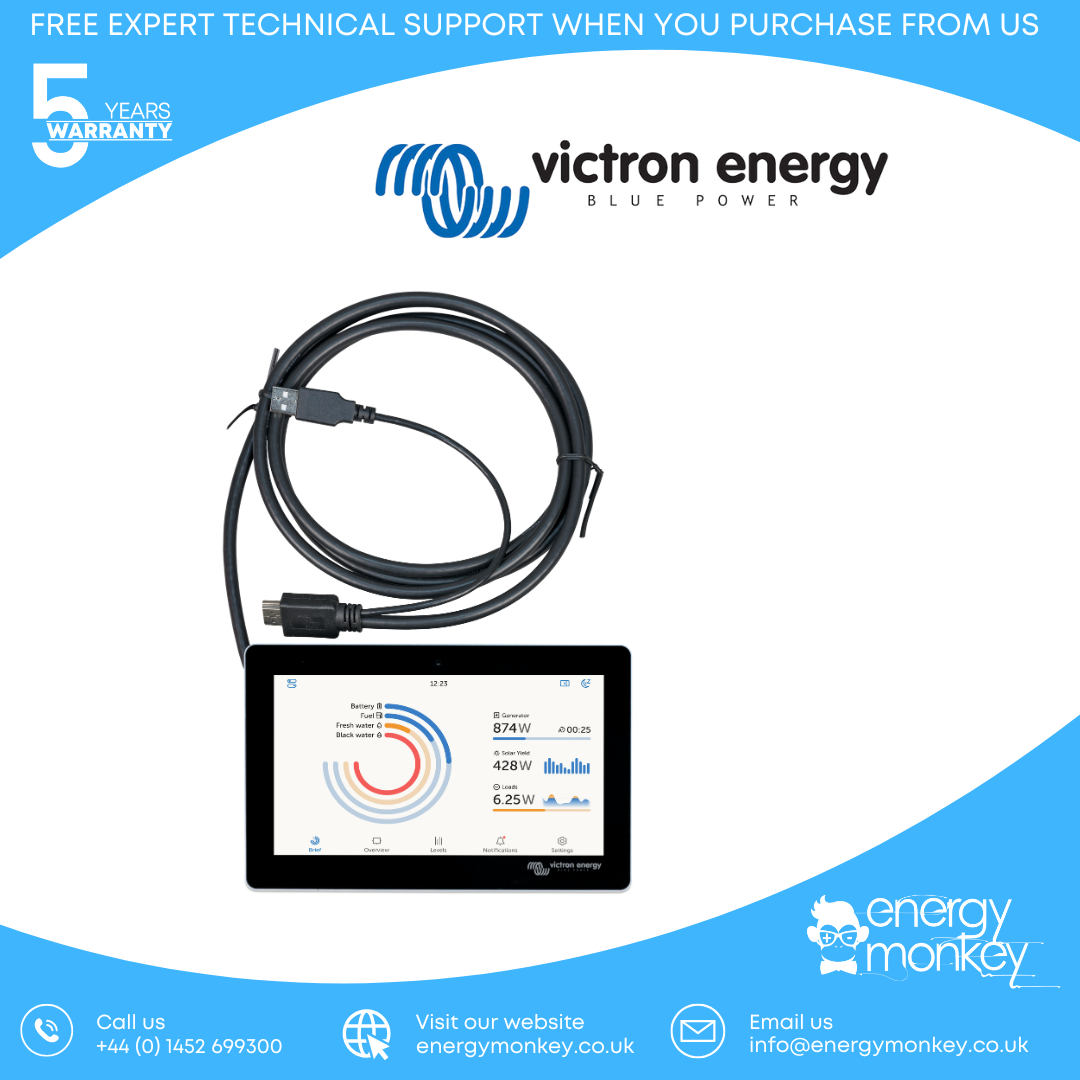 Victron Energy
Victron GX Touch 50 Flush Mount Display
Victron GX Touch 50 Flush Mount Display expands monitoring, control and communications within a Victron GX system.
SKU VIC-BPP900455150
$245.65MSRP $289.00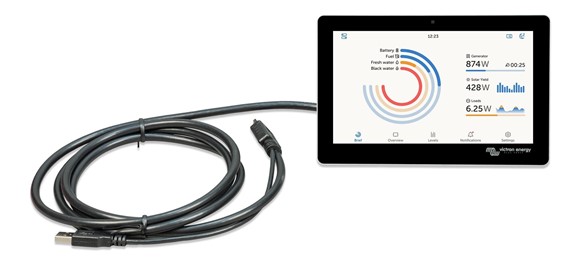 Victron Energy
Victron GX Touch 70 Flush Mount Display
Victron GX Touch 70 Flush: 7-inch IP65 flush-mount touchscreen for Cerbo GX systems, 1024 × 600, with 2 m cable.
SKU VIC-BPP900455170
$361.25MSRP $425.00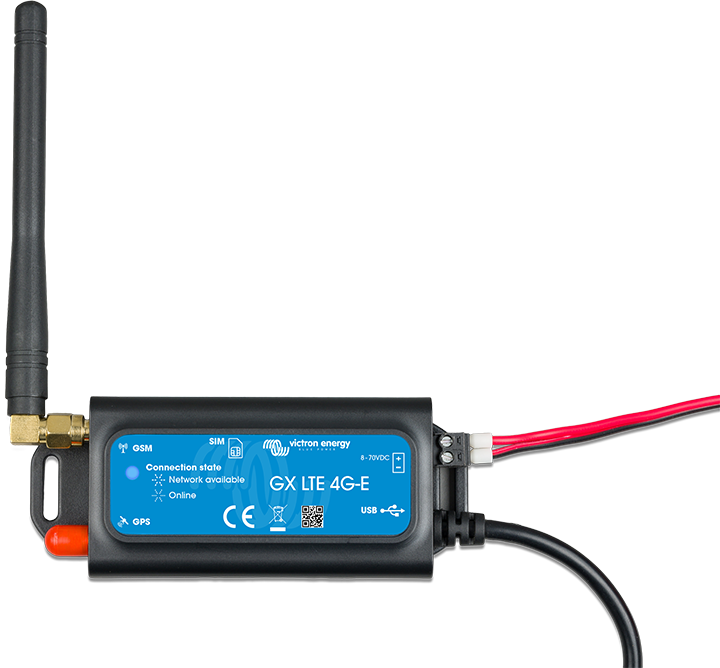 Victron Energy
Victron GX LTE 4G-A Cellular Modem for GX Devices - North A
Victron GX LTE 4G-A Cellular Modem for GX Devices - North A expands monitoring, control and communications within a Victron GX system.
SKU VIC-GSM100200400
$199.75MSRP $235.00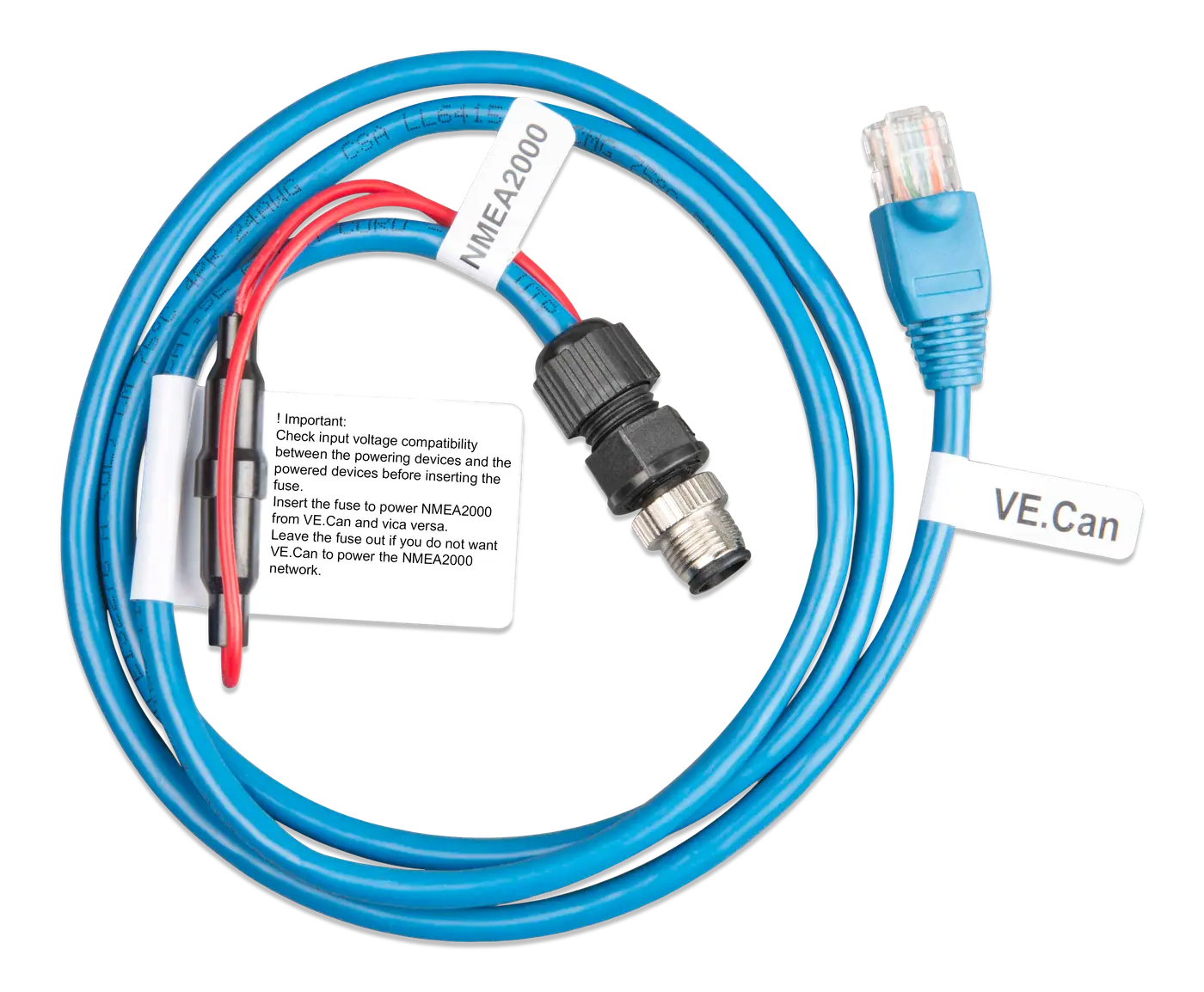 Victron Energy
Victron VE.Can to NMEA 2000 Micro-c Male
Victron VE.Can to NMEA 2000 Micro-c Male is a Victron system accessory for reliable connection, communication or installation with compatible equipment.
SKU VIC-ASS030520200
$70.55MSRP $83.00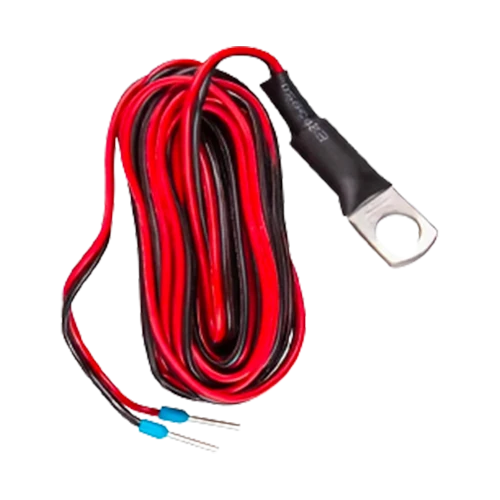 Victron Energy
Victron Temperature Sensor for Quattro MultiPlus & GX Devices
Victron Temperature Sensor for Quattro MultiPlus & GX Devices adds battery temperature sensing to compatible Victron battery-monitoring equipment.
SKU VIC-ASS000001000
$20.40MSRP $24.00


Installation guidance
Intermediate
Safety notes
- Install in a heat-resistant location away from flammable materials, chemicals and moisture.
- Above 60 V DC the unit is a built-in product: install it so users cannot reach the terminals.
- The Cerbo GX cannot be powered over USB or Ethernet; use the supplied fused power cable.
- Mount the Cerbo GX in a dry, ventilated location on a wall or 35 mm DIN rail.
- Connect power with the supplied fused cable (8–70 V DC).
- Connect Victron devices with VE.Direct, VE.Bus (RJ45) or VE.Can cables; terminate VE.Can networks with the supplied terminators.
- Connect a GX Touch display if used, then set up networking through the display, Wi-Fi access point or VictronConnect over Bluetooth.
- Register the system on the VRM portal for remote monitoring.
Related products
 Victron Energy
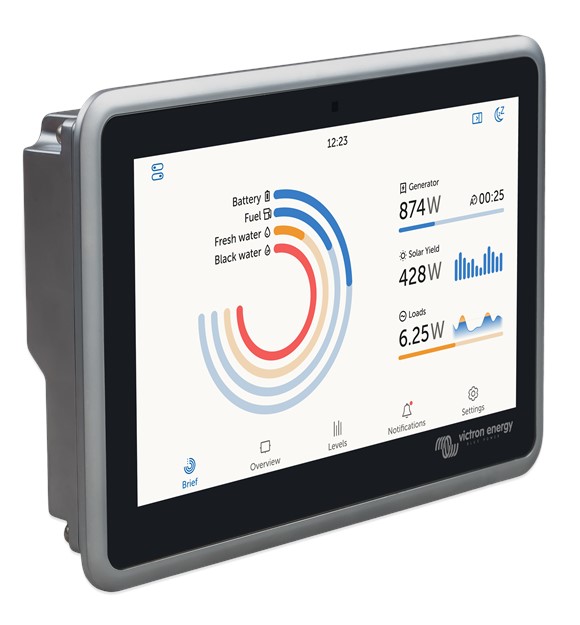
Victron Ekrano GX
Victron Ekrano GX: GX system controller with built-in 7-inch touchscreen, VE.Direct/VE.Bus/VE.Can, WiFi, Bluetooth and VRM remote monitoring.
SKU VIC-BPP900480100
$619.65MSRP $729.00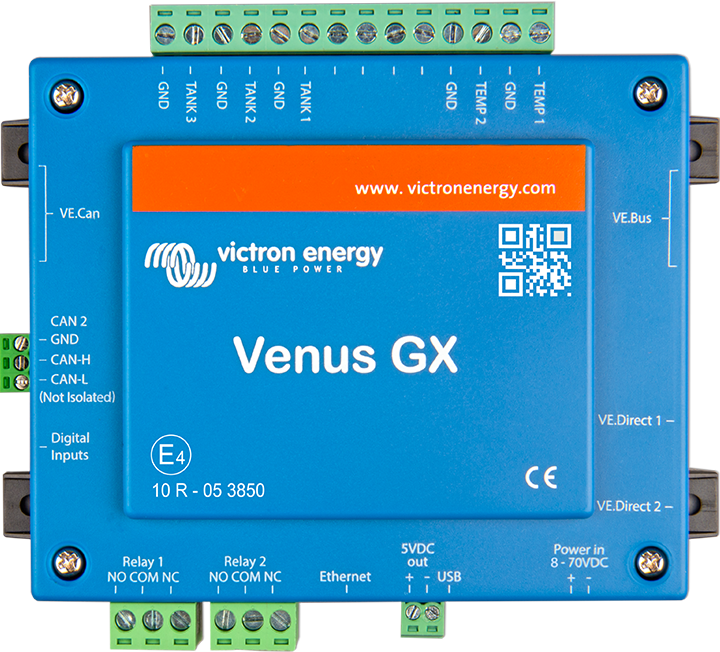 Victron Energy
Victron Venus GX Control without Display
Victron Venus GX system controller (no display): VE.Direct, VE.Bus and VE.Can, Ethernet and WiFi, tank and temperature inputs, VRM remote monitoring.
SKU VIC-BPP900400100
$178.50MSRP $210.00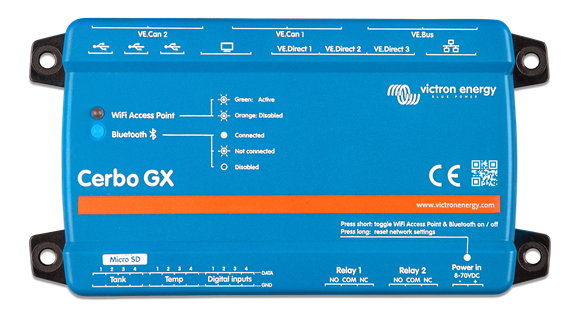 Victron Energy
Victron Cerbo GX MK2 with Dual Function Isolated Can + 3x USB
Victron Cerbo GX MK2 system controller: connects and monitors Victron inverters, chargers, solar and batteries locally or remotely via VRM.
SKU VIC-BPP900450110
$272.85MSRP $321.00


Shipping & returns
- Stocked items typically ship the next business day from our US warehouse.
- 30-day returns on unused stocked items. Exclusions apply. See policy
- Custom and quoted items are non-returnable once production begins.
Warranty
Backed by the original manufacturer’s warranty plus our workmanship guarantee on assembled harnesses. Contact us with your invoice and we’ll coordinate any covered repair or replacement.
Read the full warranty termsInstallation guidance
These notes are a starting point. They cover the common considerations for a marine install — they don't replace a project review against your specific boat, helm, and circuit list.
- Disconnect the battery and verify zero voltage at the working point before cutting or splicing.
- Match wire gauge to the breaker and the run length, not just to the load.
- Use marine-rated, tinned terminals and seal every crimp against moisture and vibration.
- Route conductors clear of heat sources and protect them where they pass through bulkheads.
Technical support
Need help choosing the right part?
Our marine electrical team can review your setup and recommend compatible products. Send a photo, a sketch, or your circuit list and we'll come back with a parts list that fits the boat.
Certifications & training
- ABYC-aware build practices
- OEM-grade marine wire & terminals
Additional capabilities are based on hands-on experience building marine wiring systems rather than third-party certification.
Share your project
Have you used this product in a project? Send us photos of your install for consideration in our project gallery.
Why buy from Common Ground Marine
- 20+ years building marine wiring harnesses, panels, and shore-power systems.
- Engineers — not a phone tree — review every custom build before parts are cut.
- OEM-grade components: tinned copper, sealed connectors, marine-rated jackets.